Introduction
Thank you for purchase!
This is documentation for "Mindful - Psychotherapy FSE WordPress Theme".
Documentation consists of sections. Every section explains specific part of theme or functionality.
List of sections is in left side of screen.
- If you are new to WordPress, it is recommended to read
official WordPress
documentation first.
- Please read theme documentation and follow instructions for demo theme content setup.
- Use search (ctrl+f keyboard shortcut) to find words on page.
- If you have questions please send message using dedicated email you received when purchased theme license.
If email is missing send message using website contact form
here.
- Before asking for support please read more about support on Mindful theme description page
here.
Demo theme content setup
Steps for demo theme content setup
1.
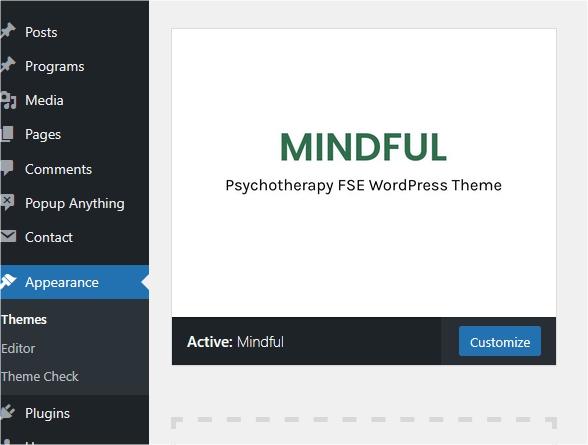
Upload „mindful.zip“ file to your WordPress dashboard and activate theme.
2.
Add valid license to unlock theme features.
3.
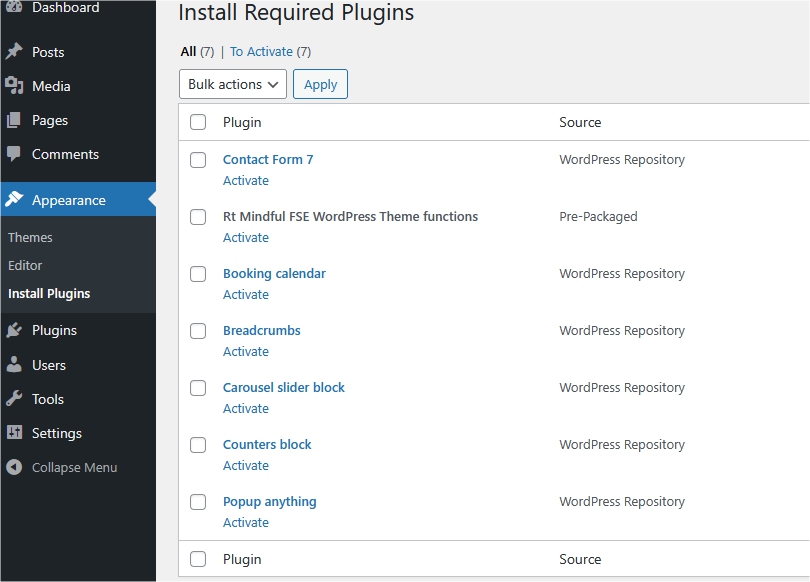
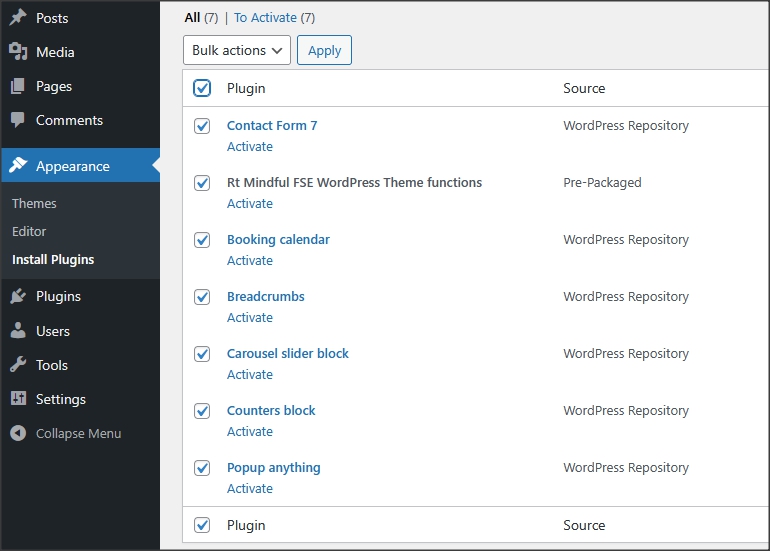
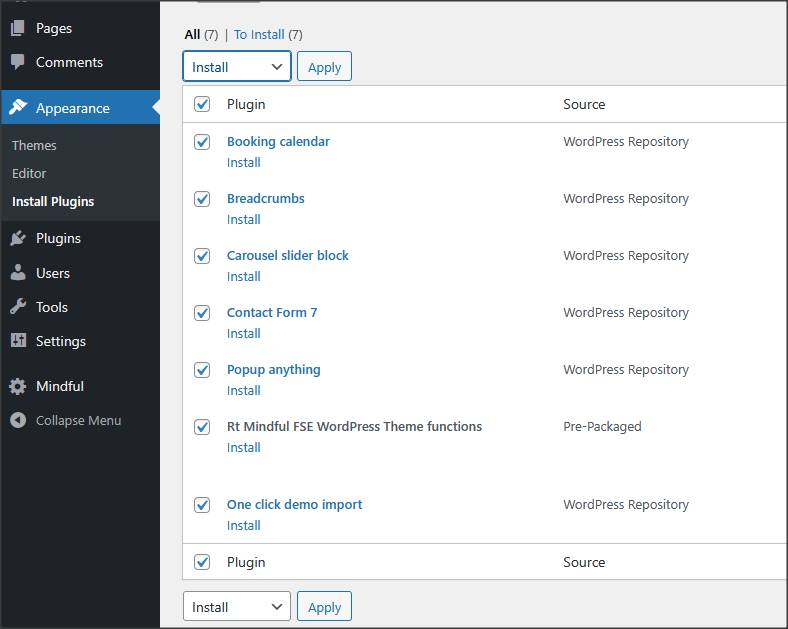
Install and activate all recommended and required plugins
4.
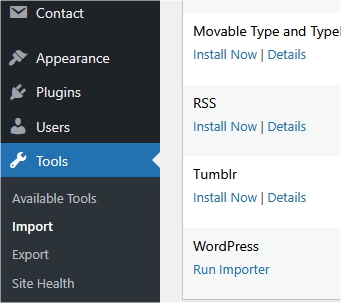
Be sure to have One Click Demo Import plugin active.
In dashboard, go to "appearance/import demo data" and import demo content. If you don't have valid license, this option will not
be visible.
On your website only use images you have license for. Demo website images are not included in theme purchase.
5.
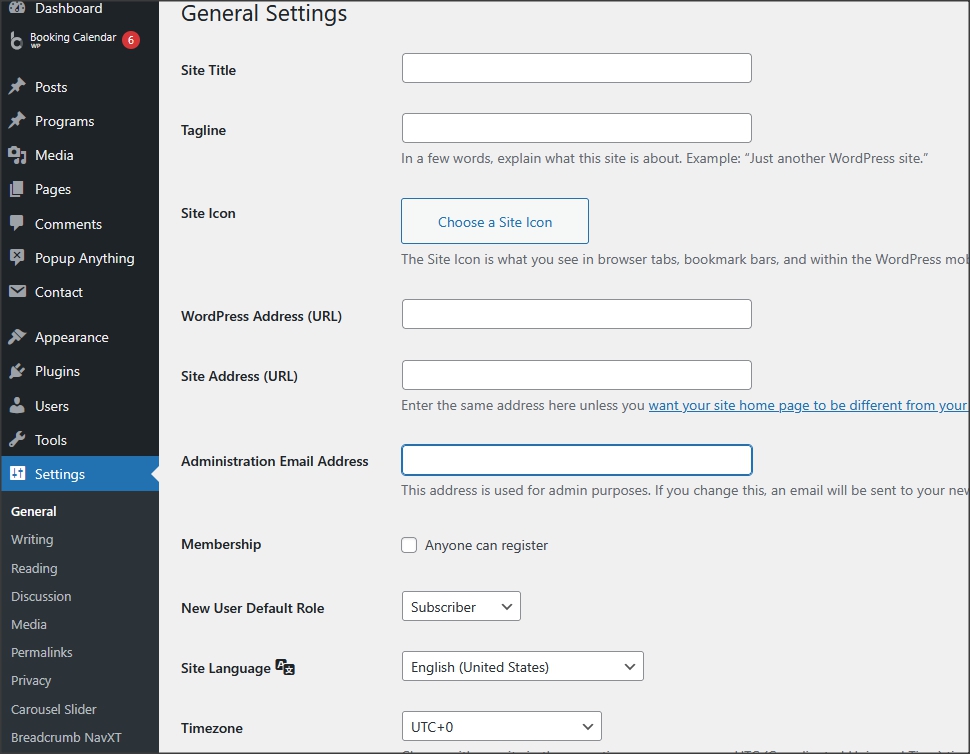
In settings/general there are few things like site title to be added and in
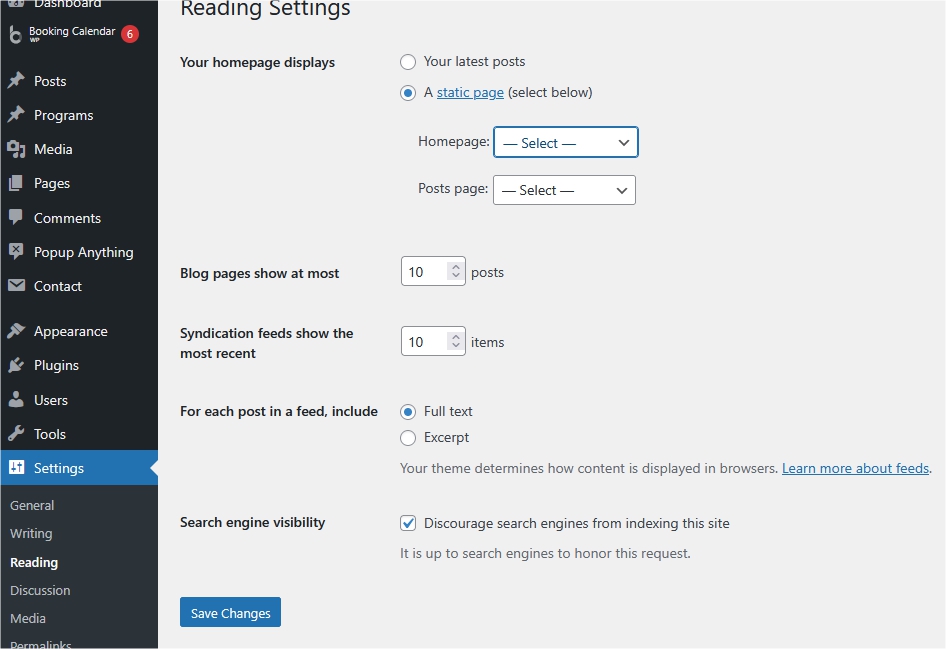
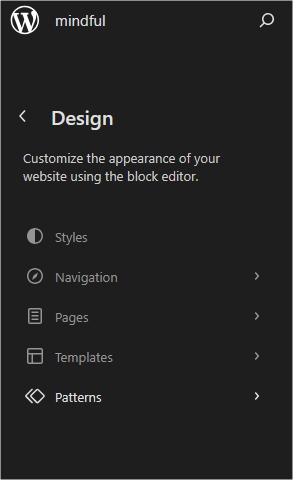
settings/reading option to choose homepage and blog index page. Logo image should be uploaded in appearance/editor/patterns/header template.
6.
Installation is finished. For more details and
functionalities please see sections list in left side of screen and continue reading.
Patterns, categories and custom blocks
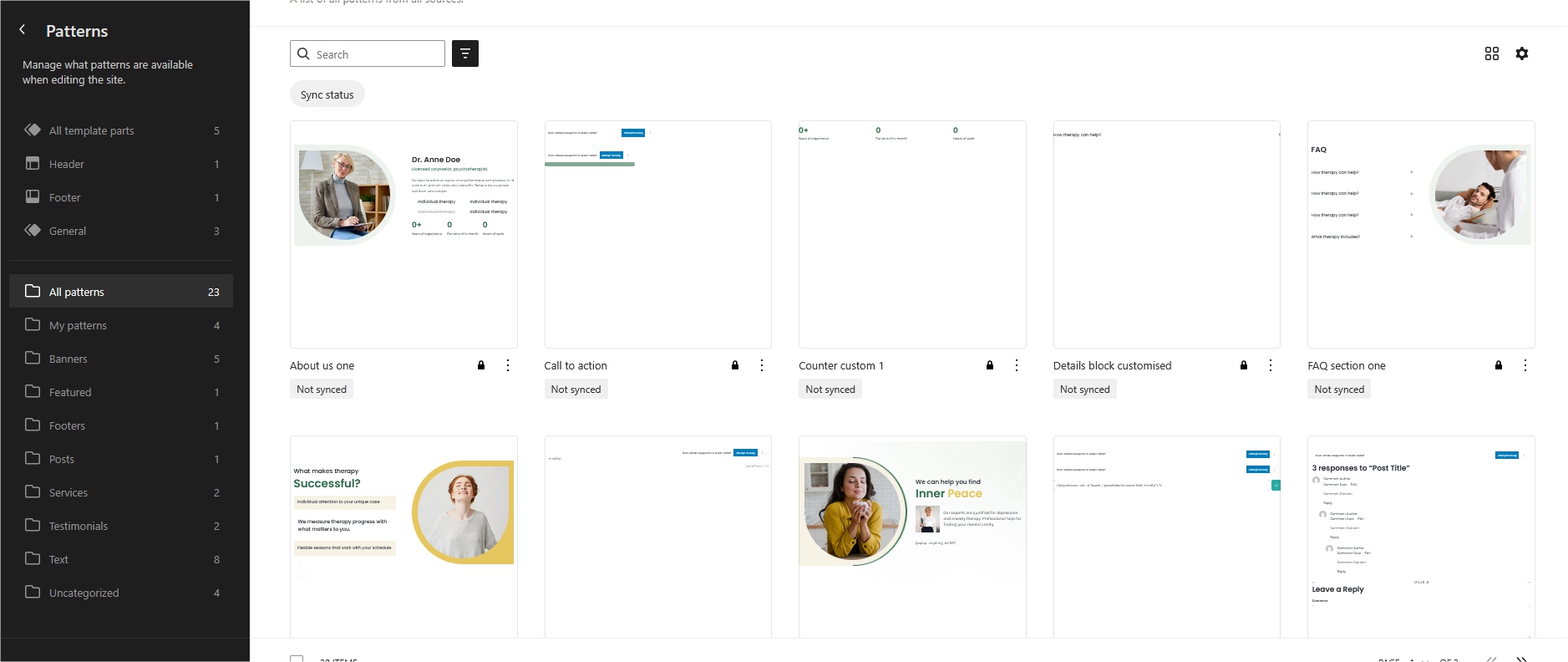
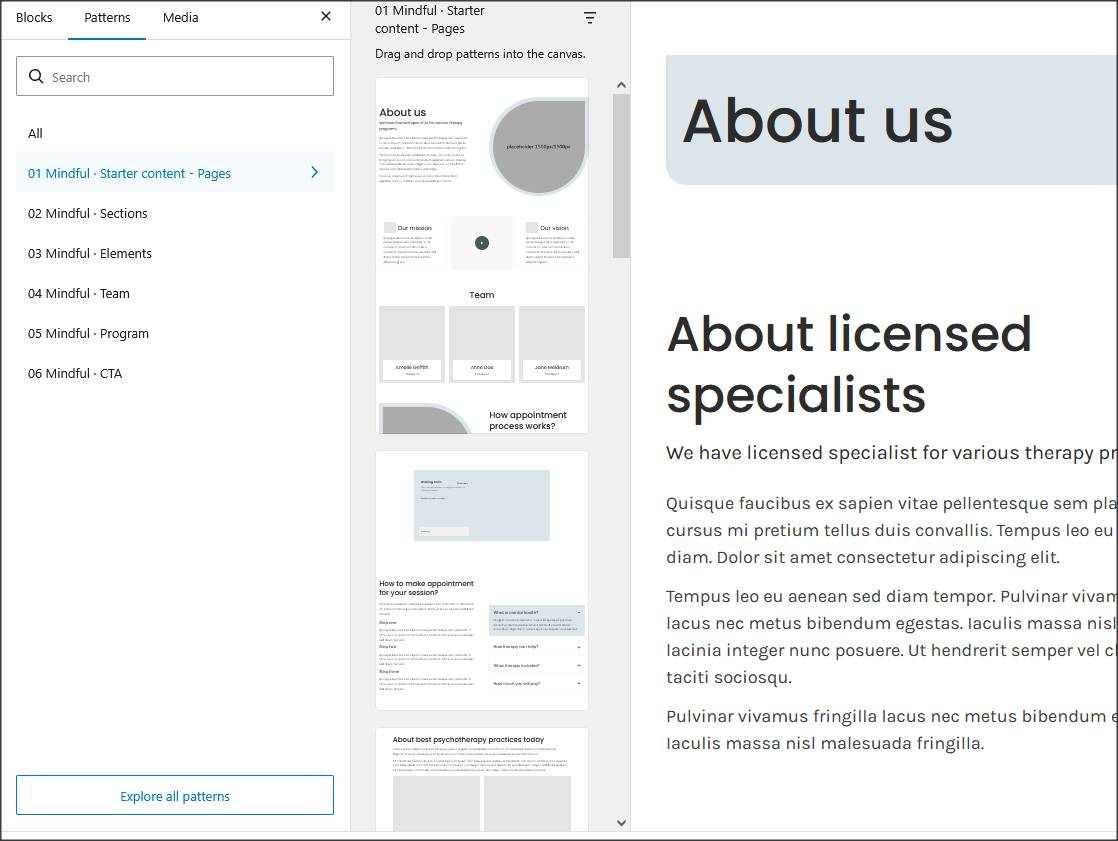
Theme has patterns that represent editable parts of design. Patterns are available in custom categories in editor.
They can consist of sections or couple of blocks or only text line blocks. Patterns can be added to design as reusable parts of page and customized.
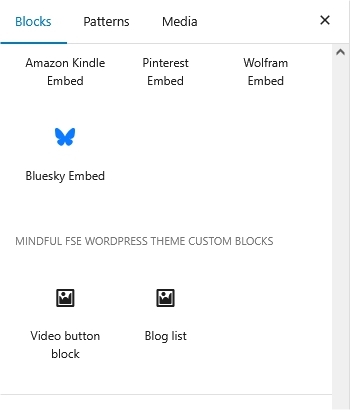
Theme has custom blocks for video popup, counter and lists.
How to change colors and fonts
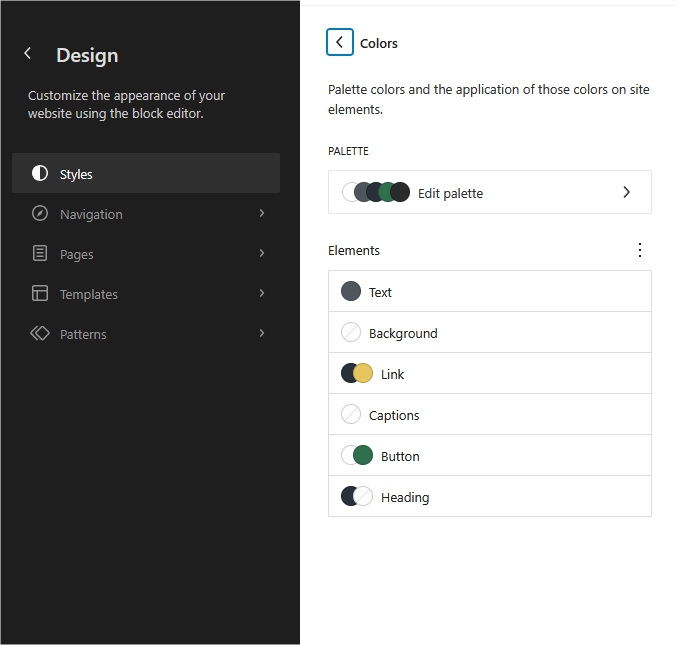
Colors can be changed in appearance/editor/styles/colors.
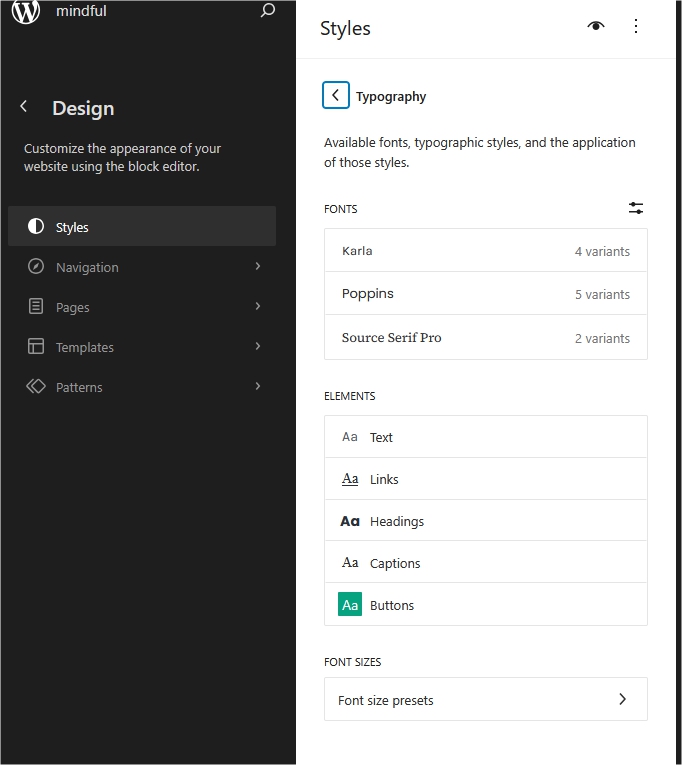
Fonts can be changed in appearance/editor/styles/typography.
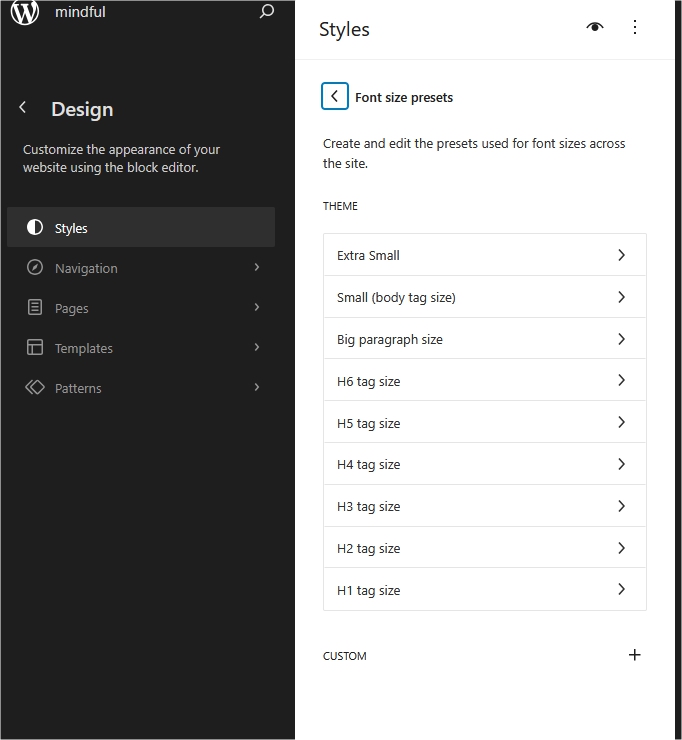
Theme has preset font sizes in rem's.
More Google font families can be added with option fonts/manage-fonts.
About styles (official documentation)
Note: It is recommended to be careful when changing
font sizes and body font size because it will change text size on all pages. Do that only if really is needed.
Pages and page templates
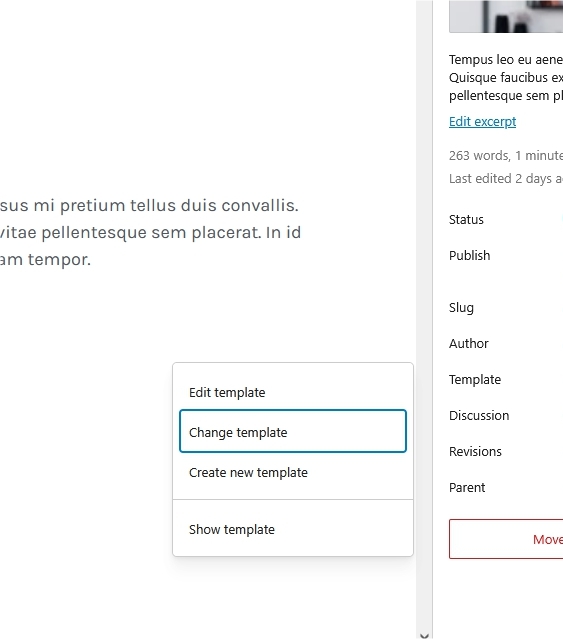
Theme has few custom page templates created and available in Editor. Templates can be changed for every
page in "template/change template".
Appointment
Appointment function is created with the Booking Calendar plugin.
Official plugin page
Theme has custom class for appointment form "custom-mindful-calendar1" that will add styling to form.
Popup anything
Popup function is created with the Popup anything plugin.
Official plugin page
Theme has custom class "custom-block-button1" that adds styling for button popup version of this plugin.
Contact form
Everything related to contact is created with Contact form 7 plugin.
Official plugin page.
Contact forms are imported with demo content.
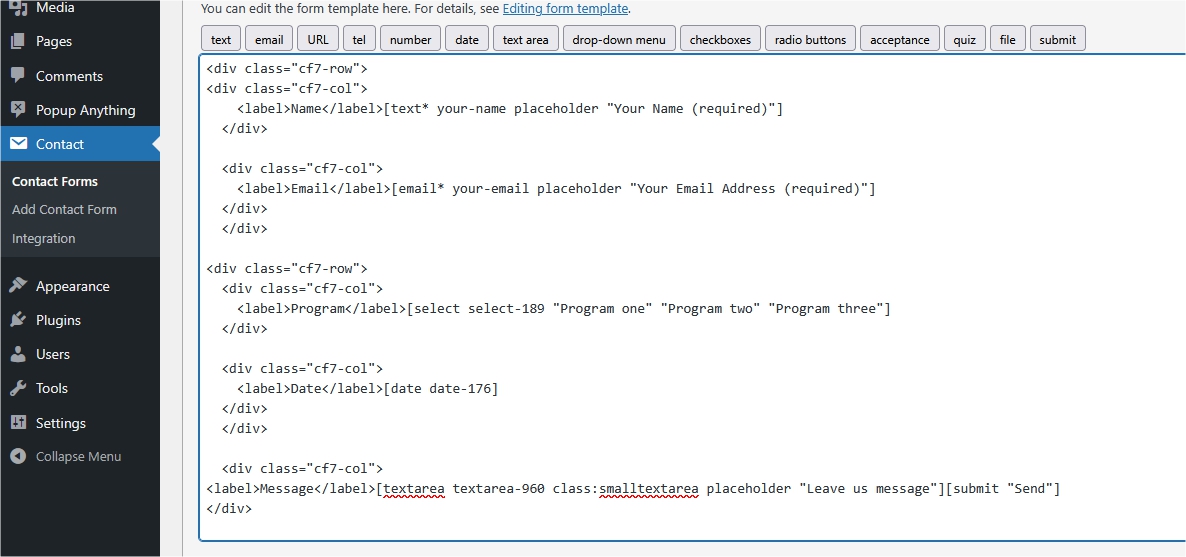
1. This is code for "Contact form 1":
<div class="cf7-row">
<div class="cf7-col">
    <label">Name</label">[text* your-name placeholder "Your Name (required)"]
  </div>

  <div class="cf7-col">
    <label">Email</label">[email* your-email placeholder "Your Email Address (required)"]
  </div">
  </div">

<div class="cf7-row">
  <div class="cf7-col">
    <label">Program</label">[select select-189 "Program one" "Program two" "Program three"]
  </div">

  <div class="cf7-col">
    <label">Date</label">[date date-176]
  </div">
</div">

  <div class="cf7-col"">
<label">Message</label">[textarea textarea-960 class:smalltextarea placeholder "Leave us message"][submit "Send"]
</div">
How to set permalinks
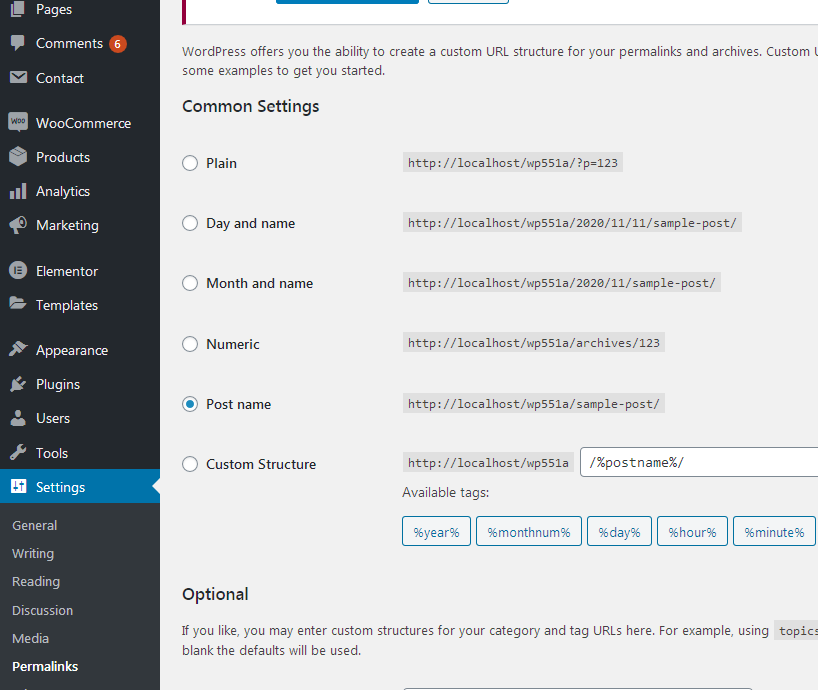
- Permalinks are in dashboard/settings/permalinks.
- It is recommended to have this permalinks structure (see screenshot):
- If you get "404 page no found" error when trying to open page or post, after theme switch or plugin deactivation
it is recommended to "reset permalins".
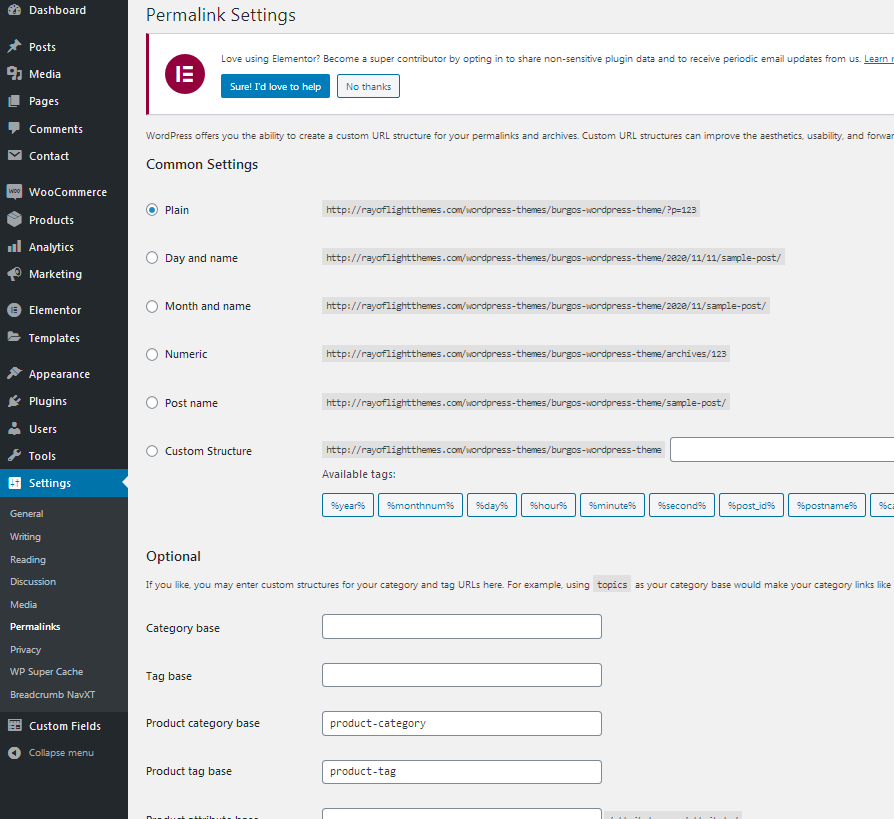
How to reset permalinks?
- Set permalinks to default (plain) and click button "save changes".
- Set permalinks to "post name" and click button "save changes".
- Done.
Custom classes
"custom-block-button1" and "custom-block-button1-hover" are custom classes that can be added for button block to add styling animation.
"sticky-header1" for header always on top when scrolling page.
"top-header1" for part of header above menu with widgets to be hidden on small screens.
"sticky-no-992" for sticky header to be hidden on tablet. (use with sticky-header1)
"sticky-no-767" for sticky header to be hidden on phone. (use with sticky-header1)
"counter-custom1" and "counter-custom2" for counter block styling
"custom-accordion1" for details (accordin) block styling
"listonenegative" for inactive list-one block in prices
All classes are already added in theme demo content.
Plugins
Rt Mindful FSE Theme Functions plugin - theme functions, blocks and custom post types plugin, bundled with theme.
TGM plugin bundled with theme.
http://tgmpluginactivation.com/
Booking calendar.
https://wordpress.org/plugins/booking/
Carousel slider block
https://wordpress.org/plugins/carousel-block/
Contact form 7 plugin.
https://sr.wordpress.org/plugins/contact-form-7/
Breadcrumbs plugin.
https://sr.wordpress.org/plugins/breadcrumb-navxt/
Popup anything plugin.
https://sr.wordpress.org/plugins/popup-anything-on-click/
One click demo import plugin.
https://sr.wordpress.org/plugins/one-click-demo-import/
Theme translation
Theme has pot file included, that means text strings in dashboard can be translated.
Activate translation plugin (can use Polylang).
https://wordpress.org/plugins/polylang/ Check if "languages"
tab in settings appears. In theme folder "languages" default pot file is included. To translate text strings in theme, please rename
mindful.pot file to "language code" for language you want
to translate in, for example if you translate to Portugales language code
is "pt_BR" so mindful.pot should be renamed to "pt_BR.po". Then open the file with Poedit and translate text strings. http://poedit.net/
More details about WordPress translation here
:http://codex.wordpress.org/WordPress_in_Your_Language
http://codex.wordpress.org/Installing_WordPress_in_Your_Language
How to reorder posts
- Install and activate this plugin: https://wordpress.org/plugins/post-types-order/
- It adds "reorder posts" button for all posts and custom post types and you can manually reorder them.