Introduction
Thank you for purchase!
This is documentation for "Activism - Political FSE WordPress Theme".
Documentation consists of sections. Every section explains specific part of theme or functionality.
List of sections is in left side of screen.
- If you are new to WordPress, it is recommended to read
official WordPress
documentation first.
- Please read theme documentation and follow instructions for demo theme content setup.
- Use search (ctrl+f keyboard shortcut) to find words on page.
- If you have questions please send message here using account that you purchased theme with to confirm purchase.
- Before asking for support please read more about general support for themes
and item support policy.
Demo theme content setup
Steps for demo theme content setup
1.
Unzip main.zip file that you downloaded from Themeforest, find „activism.zip“ and upload it to
WordPress dashboard.
2.
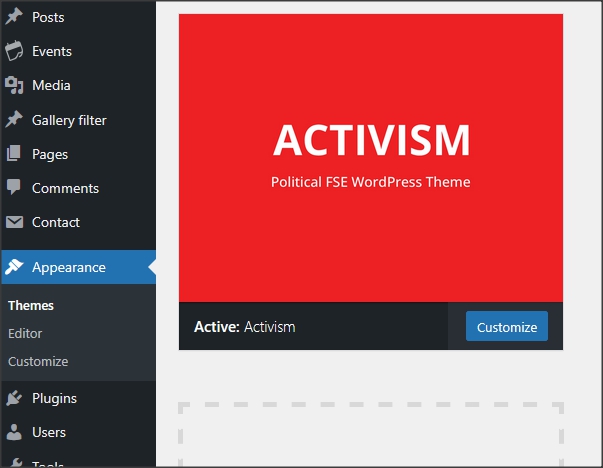
In WordPress dashboard go to appearance/themes and activate theme „Activism“.
3.
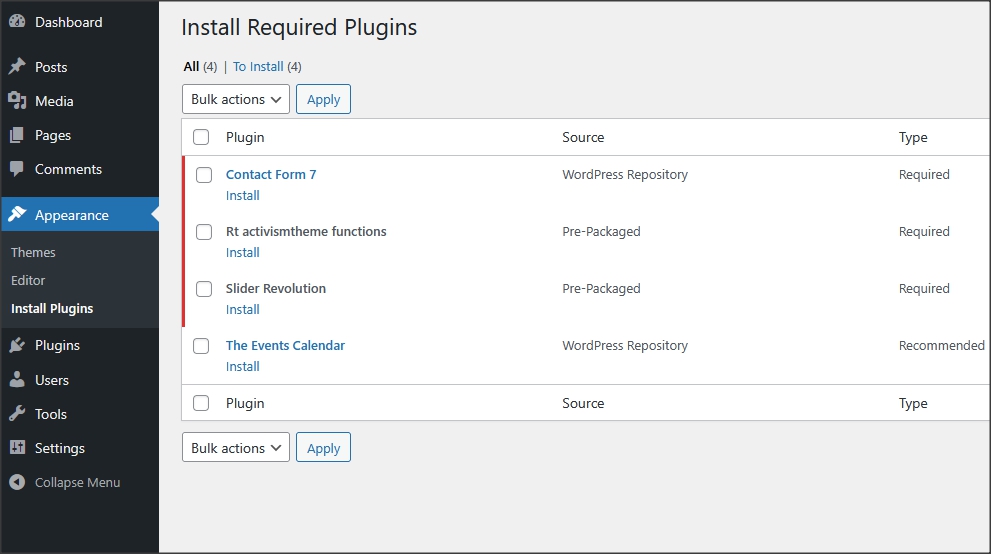
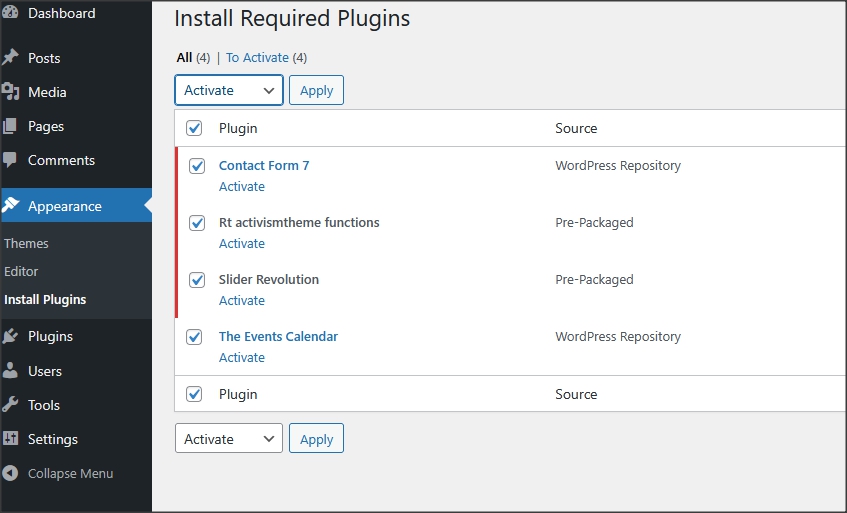
Install and activate all recommended and required theme’s plugins
4.
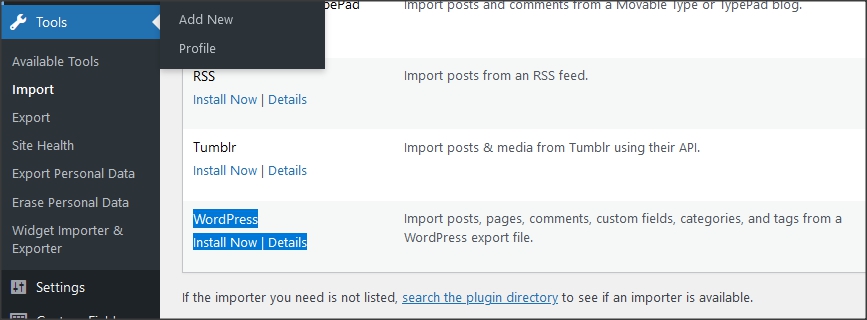
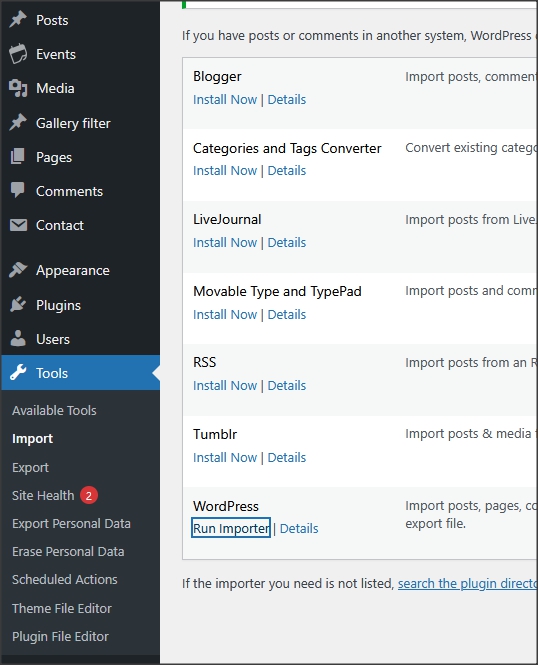
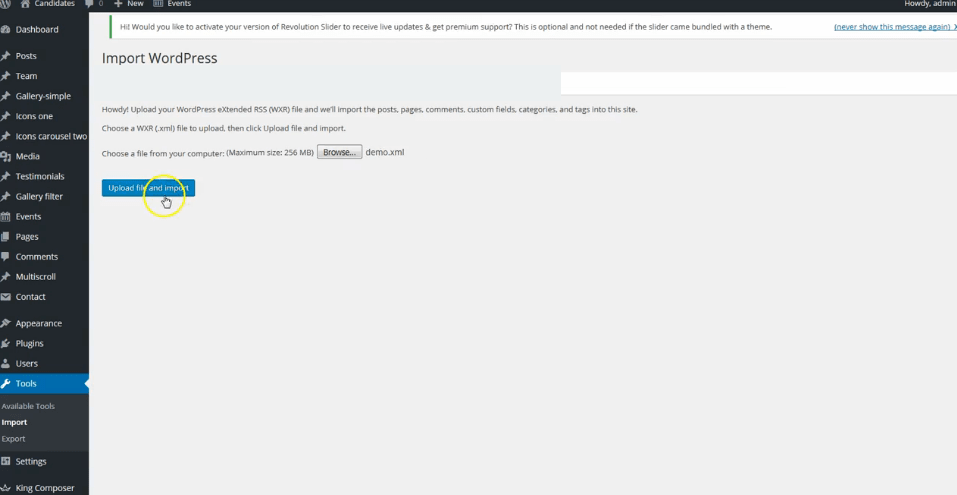
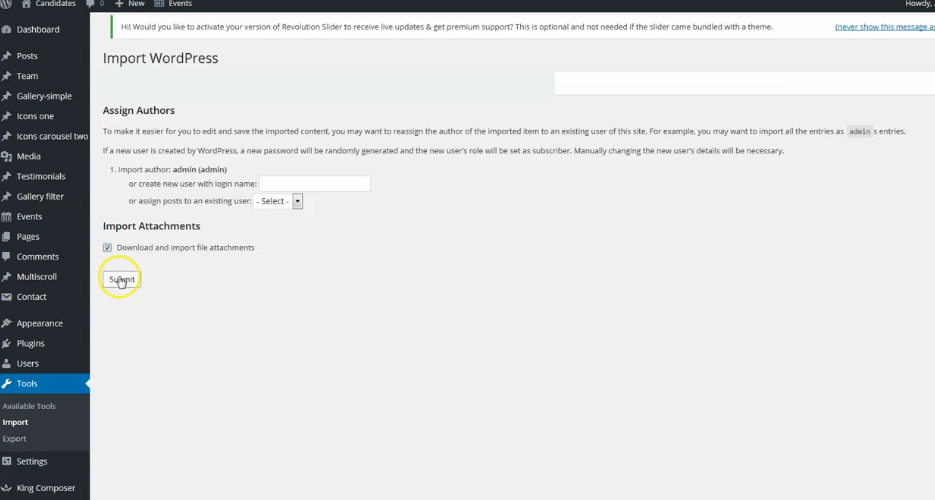
In dashboard, go to tools/import and import demo.xml file. Demo.xml file is in folder "demo-content" inside main zip file you downloaded from Themeforest.
Be sure to replace demo images images you have license for.
5.
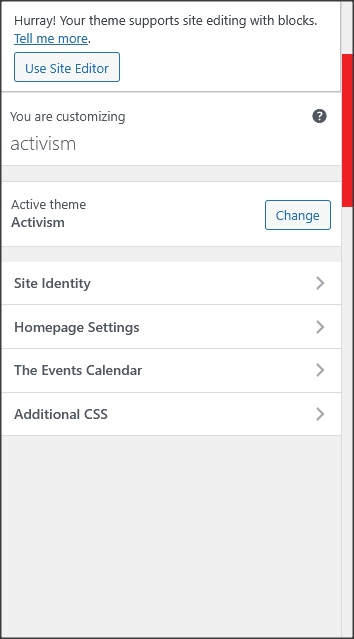
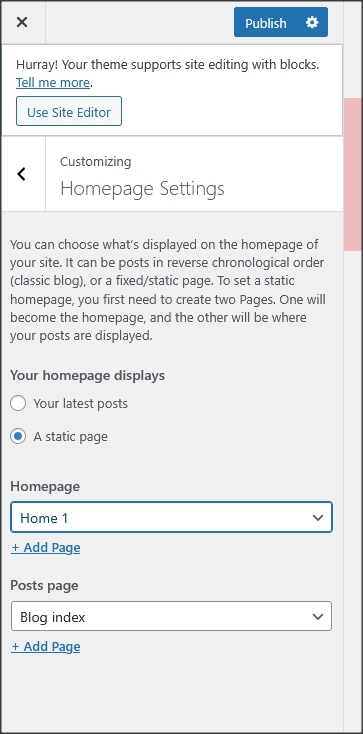
In dashboard/appearance/customize (customizer) there are few options like site title and
settings for homepage and blog index page. Logo image should be uploaded in appearance/editor/patterns/header template.
6.
Installation is finished. For more details and
functionalities please see sections list in left side of screen and continue reading.
Editor
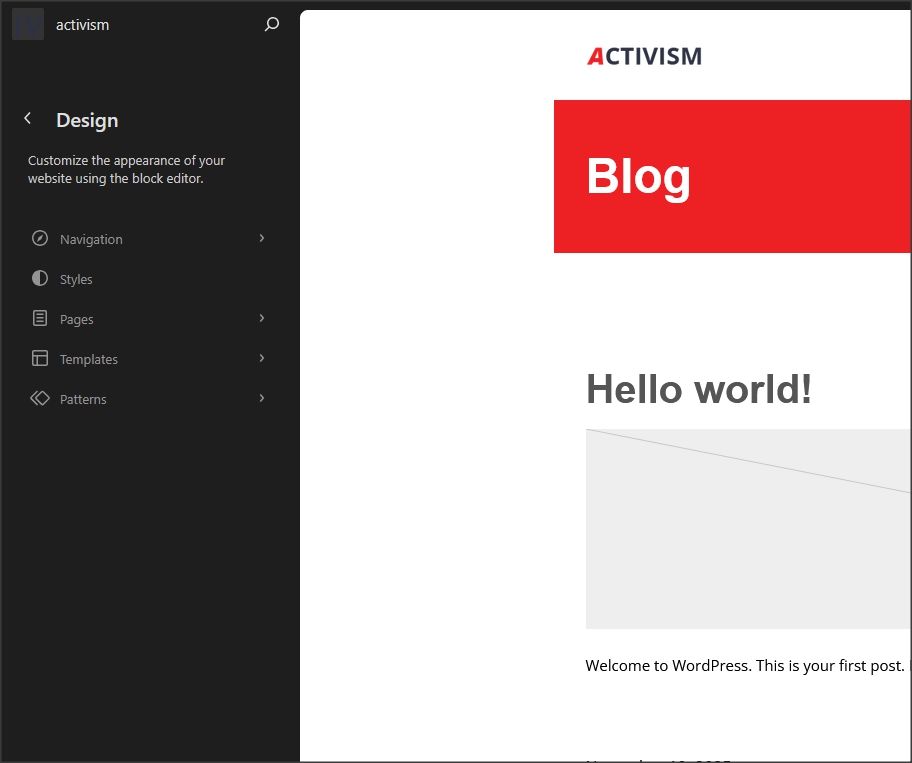
Activism theme is built as 100% FSE (full site editing) theme for Block editor. All templates for theme pages are in appearance/editor.
If you want to add your templates it is recommended to activate child theme.
Official Block themes documentation
In official WordPress documentation can be learned more about block themes in general but this theme may not have all features explained there.
About Site editor (official documentation)
How to change colors and fonts
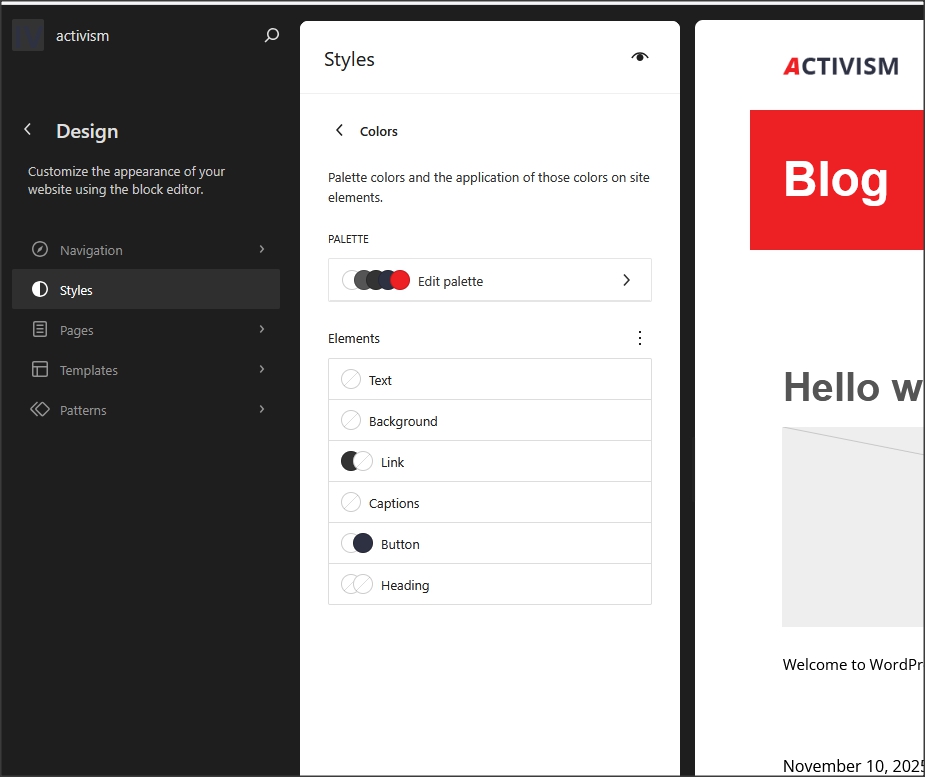
Colors can be changed in appearance/editor/styles/colors.
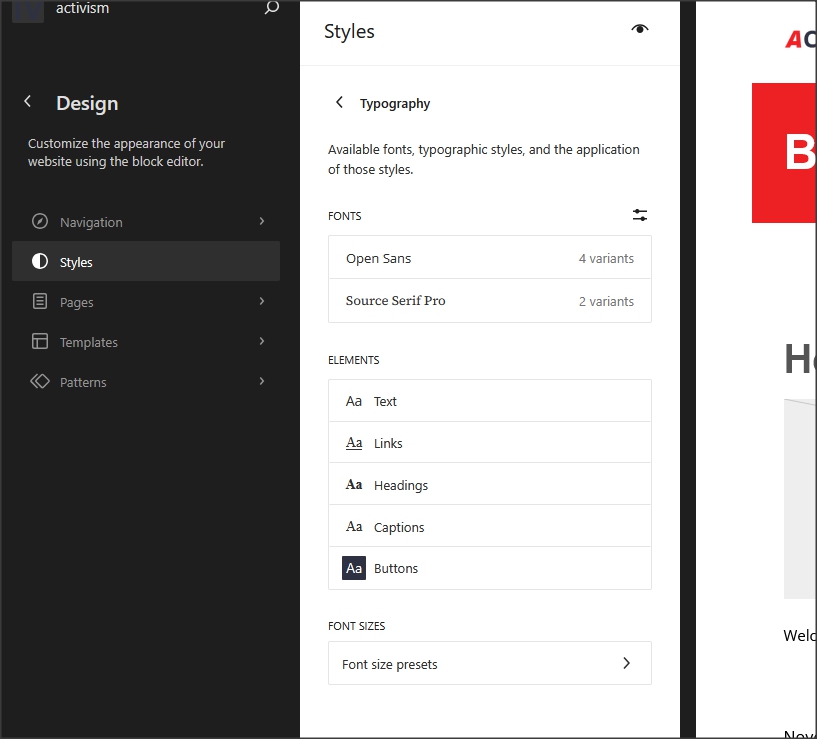
Fonts can be changed in appearance/editor/styles/typography.
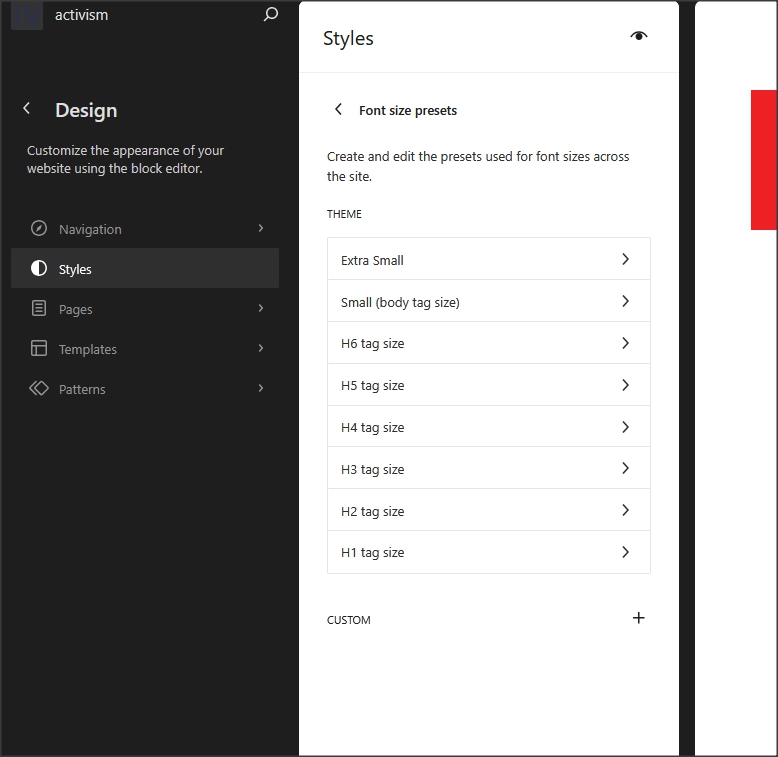
Theme has preset font sizes in rem's.
More Google font families can be added with option fonts/manage-fonts.
About styles (official documentation)
Pages and page templates
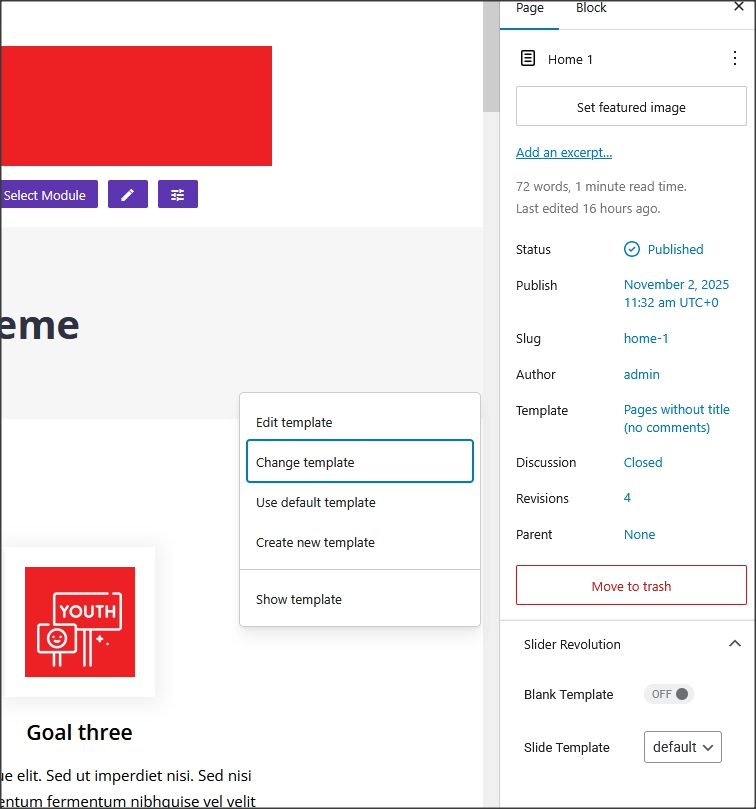
Theme has few custom page templates created and available in Editor. Templates can be changed for every
page in "template/change template".
Events
Events function is created with the Events Calendar plugin.
Official plugin page
Theme has custom blocks for events that will list all events with date in future. It will not list past events.
Contact form
Everything related to contact is created with Contact form 7 plugin.
Official plugin page.
Contact forms are imported with demo content.
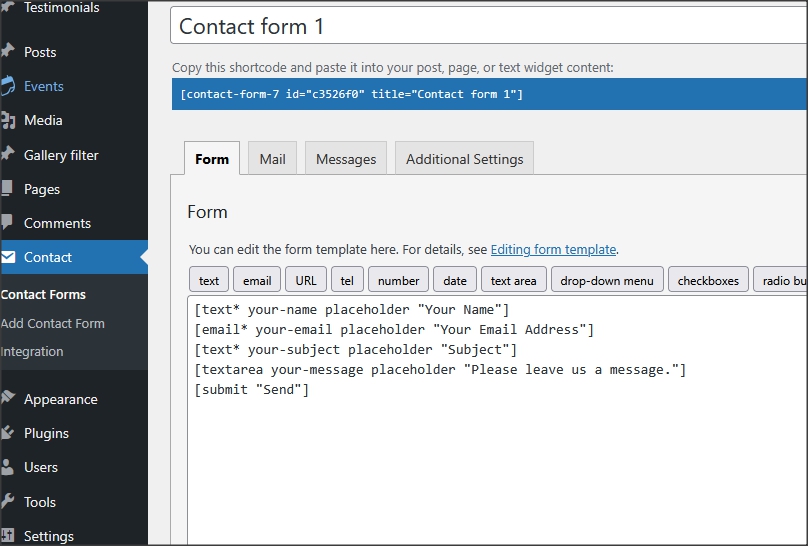
1. This is code for "Contact form 1":
[text* your-name placeholder "Your Name"]
[email* your-email placeholder "Your Email Address"]
[text* your-subject placeholder "Subject"]
[textarea your-message placeholder "Please leave us a message."]
[submit "Send"]
How to set permalinks
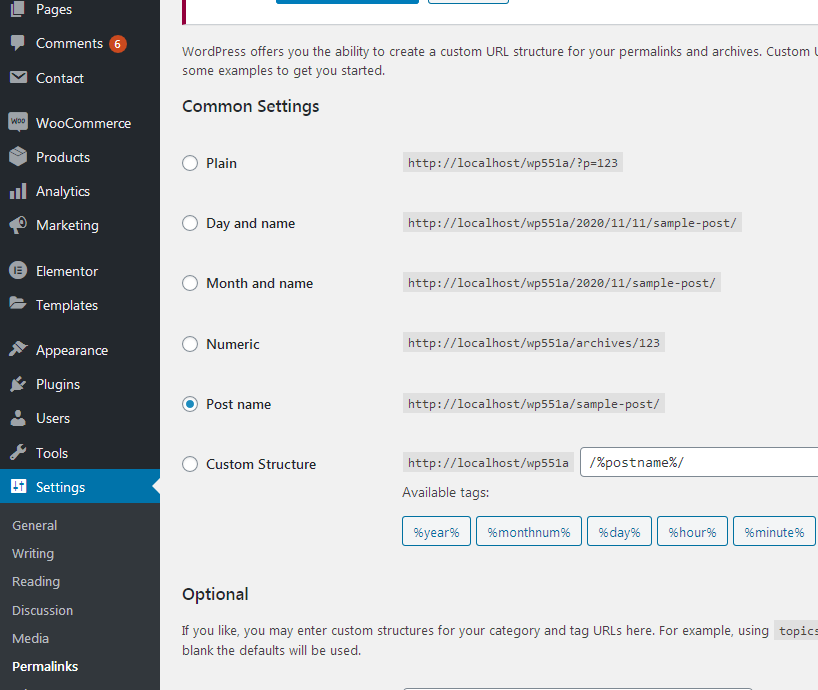
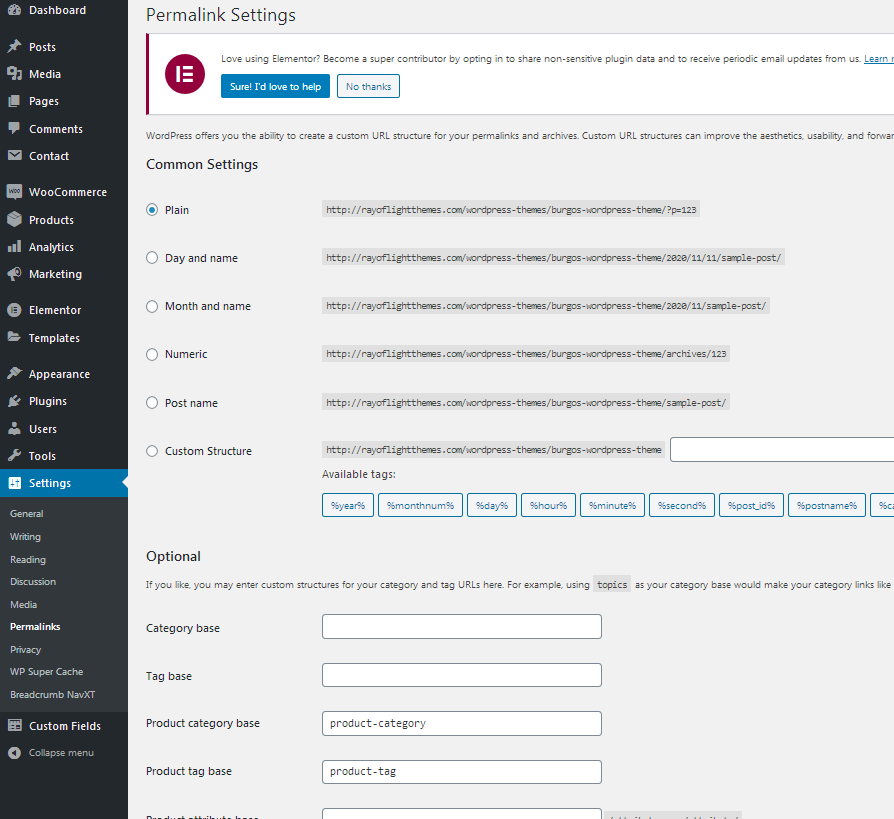
- Permalinks are in dashboard/settings/permalinks.
- It is recommended to have this permalinks structure (see screenshot):
- If you get "404 page no found" error when trying to open page or post, after theme switch or plugin deactivation
it is recommended to "reset permalins".
How to reset permalinks?
- Set permalinks to default (plain) and click button "save changes".
- Set permalinks to "post name" and click button "save changes".
- Done.
Custom classes
"custom-button1" is custom class that can be added for button block to add animation. It is already added in demo content for buttons.
"custom-accordion1" for details block hover effect.
"sticky-header1" for header always on top when scrolling page.
"top-header1" for part of header above menu with widgets to be hidden on small screens.
"sticky-no-992" for sticky header to be hidden on tablet. (use with sticky-header1)
"sticky-no-767" for sticky header to be hidden on phone. (use with sticky-header1)
All classes are already added in theme demo content.
Plugins
Rt Activism Theme Functions plugin - theme functions, blocks and custom post types plugin, bundled with theme.
TGM plugin bundled with theme.
http://tgmpluginactivation.com/
The Events calendar
https://wordpress.org/plugins/the-events-calendar/
Contact form 7 plugin.
https://sr.wordpress.org/plugins/contact-form-7/
Child theme
- Basic child theme "activism-child.zip" for this theme is in main_file.zip.
- Official WordPress documentation about Child themes: https://codex.wordpress.org/Child_Themes
- It is recommended to activate child theme if you make code customizations and to add custom css in child theme.
Theme translation
Theme has pot file included, that means text strings in dashboard can be translated.
Activate translation plugin (can use Polylang).
https://wordpress.org/plugins/polylang/ Check if "languages"
tab in settings appears. In theme folder "languages" default pot file is included. To translate text strings in theme, please rename
activism.pot file to "language code" for language you want
to translate in, for example if you translate to Portugales language code
is "pt_BR" so activism.pot should be renamed to "pt_BR.po". Then open the file with Poedit and translate text strings. http://poedit.net/
More details about WordPress translation here
:http://codex.wordpress.org/WordPress_in_Your_Language
http://codex.wordpress.org/Installing_WordPress_in_Your_Language
How to reorder posts
- Install and activate this plugin: https://wordpress.org/plugins/post-types-order/
- It adds "reorder posts" button for all posts and custom post types and you can manually reorder them.